
This post may contain affiliate links. (read more)

Looking for the best pocket money apps? In this digital age, it makes sense that teaching kids about money is becoming digital too.
Though it’s helpful to teach children about physical money, the reality is it’s much more accessible and easier manage for most of us to do it from our smart phones.
I don’t know about you, but it’s not actually very often that I find myself with physical cash – so having an app that I can automate pocket money payments from makes a lot of sense for my personal circumstances.
If you’re looking for a similar solution, then I’ve pulled together a summary of the best pocket money apps in the UK with an in depth look at them individually to help you weigh up the pros and cons of each and to help you choose the ones that suit your situation most.
Contents
The Best Pocket Money Apps in the UK
Whilst compiling this list, I did find that there were other pocket money apps available such as Rewards.Kids – but I’ve reviewed the ones that are the most highly rated.
Here are the best pocket money apps in the UK.
The Best Pocket Money Apps Summary
| GoHenry | HyperJar | Natwest Rooster Money | Nimbl | Osper | Starling Kite | Revolut <18 | |
|---|---|---|---|---|---|---|---|
| Monthly Cost | from £3.99pm | Free | £1.99pm (£19.99pa) (FREE for Natwest customers) | £2.49pm (£28pa) | £2.50pm | Free | Free |
| Age of Children | 6-18 | 6+ | 6+ | 6+ | 8-18 | 6-15 | 6-17 |
| Set Chores | Yes | No | Yes | No | No | No | Yes |
| Free Loads | 1 free top up (50p after) | Yes | 10 free pm (50p after) | Yes | 50p | Yes | Yes |
| Regular Allowance | Yes | Yes | Yes | Yes | Yes | Yes | Yes |
The Best Pocket Money Apps Detail
Go Henry

App Store Rating: 4.5/5 (28.6k ratings)
Google Store Rating: 4.1/5 (25.3k reviews)
Trust Pilot Rating: 4.2/5 (9,416 reviews)
Sign up to GoHenry and get 3 months FREE*
GoHenry wants kids to be smart with money, understand wants vs. needs, create savings habits, make investment decisions, use money to help others, take responsibility and understand when it’s gone, it’s gone.
It was created with the goal of helping kids learn about money in a practical, fun way and provide all the tools to help parents nurture healthy financial habits in their children.
GoHenry costs £3.99 per month (but you can get 3 months free using my link*) and you can open up to 4 accounts.
Features:
- Pocket Money and Chores – set them a weekly allowance or allow them to earn money by completing tasks.
- Savings – kids can use their app to set savings goals and automate their savings.
- Parental Controls – set spending limits and choose where they can use their card.
- Money Missions – pay kids to learn, complete educational money exercises to improve their financial wellbeing.
- Giftlinks – add friends and family so that they can send your children money.
Pros:
- Creative saving goals
- Learn to spend and save like an adult
- Suitable for young entrepreneurial teens
- Pay abroad with no foreign transaction fees
- Send and request money between family and friends
- Lots of features
- Easy to use and navigate
Cons:
- Expensive if you’re only paying small amounts of pocket money
You might also enjoy…30+ Side Hustle Ideas to Try in the UK
HyperJar

App Store Rating: 4.8/5 (18.7k ratings)
Trust Pilot Rating: 4.7/5 (1,374 reviews)
Sign up for the FREE HyperJar kids pocket money card*
Hyperjar have created a kids card that lets your child manage money in digital jars.
It’s a great way to teach kids about money through doing.
Without them even noticing, kids start to budget intuitively, sorting what they have into different categories and setting goals for each.
HyperJar is free and you can create unlimited children’s accounts.
Features:
- Jam Jar Budgeting – create jars for regular spending and for longer term goals.
- Personalisation – kids can name their Jars, add emojis, choose a colour and set a balance target.
- Oversight – get notifications whenever they spend or move money.
- Family – kids can share their jars with the whole family
- Spending controls – set maximum spending limits within Jars, block spending from the account, or restrict spending from certain Jars
Pros:
- Free
- No transaction, FX or loading fees
- Easy to set up
- Easy to use
- Unlimited children’s accounts
Cons:
- No tasks or chores
- Can’t use the card at ATMs
Natwest Rooster Money
App Store Rating: 4.7/5 (5.4k ratings)
Google Store Rating: 4.7/5 (6.32k reviews)
Trust Pilot Rating: 4.8/5 (2,078 reviews)
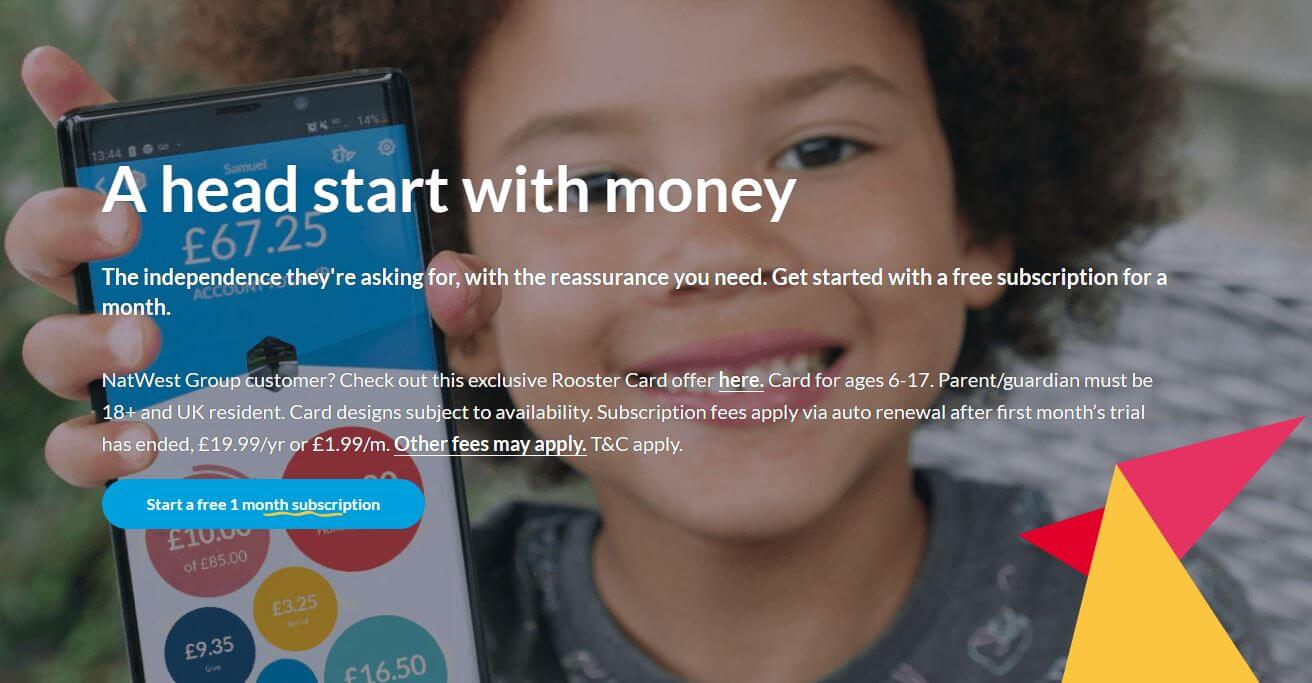
Sign up for a FREE 1 month subscription to Natwest Rooster Card here*
RoosterMoney helps children from 4 to 17 graduate through all the key milestones in learning about money.
From using the app as a star chart in the younger years teaching reward systems, to introducing a payment card when they’re older to teach responsible spending.
The paid version of RoosterMoney costs £1.99 per month or £19.99 per year.
Features:
- Stars – Use NatWest Rooster Money as a star or reward chart to help reinforce positive behaviours from a young age (3+).
- Virtual Pocket Money Tracker – keep track of your kids’ virtual allowance, spending and saving.
- Chores – Tie their allowance to chores or set them extra earners.
Pros:
- Help kids become smart with money
- Create insight on spending and reward good financial behaviour
- Build good habits early with the Star Chart
- Use the Virtual Money Tracker to keep track of allowance and spending, without deposit
- Unlock extra features with the Chore Manager, for chores and interest rates
- You can get the whole family involved in the process
Cons:
- Free version is limited, you have to pay to make deposits and for chores
Money Saving Tip:
If you are a Natwest Group customer, you can get up to three Rooster Card subscriptions for free! Click here to find out more.
You might also enjoy…How to sell on Vinted
Nimbl

App Store Rating: 4.7/5 (2.8k ratings)
Google Store Rating: 4.5/5 (1.08k reviews)
Trust Pilot Rating: 4.5/5 (1,032 reviews)
Nimbl is an award winning app and prepaid debit card, which gives you the tools to help your children learn about money.
Nimbl costs £2.49 per month or £28 per year. Any additional cards on your account for your family members will receive a discounted price of £1.99 per month or £23.00 per year.
Features:
- Regular payments – set up weekly or monthly digital pocket money payments.
- Safe – lock and unlock in the app, prepaid so can’t overspend.
- Alerts – receive alerts to see when and where money has been spent.
- Microsavings – allows you to automatically save a small amount each time you use your card.
Pros:
- No top up, loading or gifting fees
- View for parents, separate login for children
- Spending controls
Cons:
- No chores or tasks
Osper

App Store Rating: 4.3/5 (1.2k ratings)
Google Store Rating: 2.9/5 (38 reviews)
Trust Pilot Rating: 4.6/5 (260 reviews)
Osper helps teach children to spend and save their pocket money more wisely with their very own debit card, an app for children to track their spending & saving each month.
Parents get their own app that lets them set an allowance, oversee their children’s spending, load money for emergencies (or if they’ve earned it), and lock the card if it’s been lost or stolen.
You can sign up for a 30 day free trial after which it costs £2.50 per child, per month.
Features:
- Notifications – children get a mobile notification when they spend
- Categorisation – they can chose categories for their spends to help with spending awareness
- Savings goals – set up regular savings based on a percentage of their allowance
- Personalisation – variety of card designs (added cost)
Pros:
- Set regular allowance
- All major banks supported
- Spending alerts
- Link your account to Kidstart* to earn cashback
Cons:
- No chores or tasks
- FX fees
You might also enjoy…How to save £10,000 in a year
Starling Kite
Trust Pilot Rating: 4.4/5 (38,646 reviews – for main banking app)
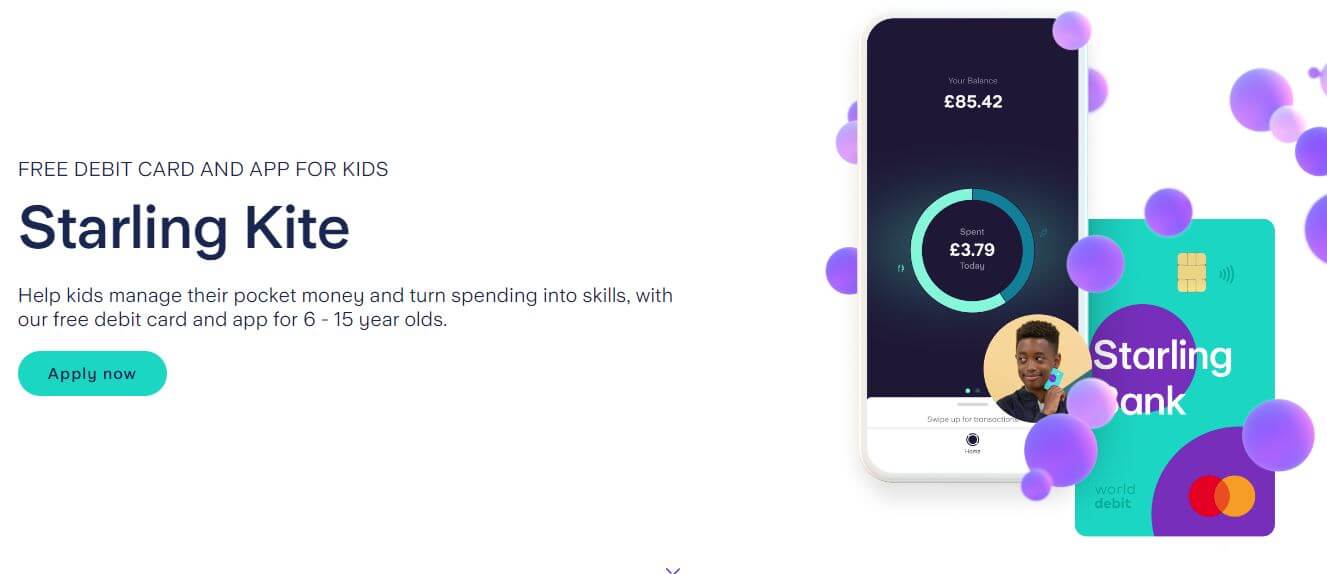
Starling Kite is like a child bank account, but built seamlessly into your account for better visibility and control.
Once it’s set up, transfer money into their Kite Space in seconds and help them learn money skills for life.
Cost – FREE
Features:
- Transfers – instant cash transfer or set up a regular payment.
- Visibility – they get their own app and notifications but you can see everything from your app too.
- Spending Restrictions – set daily spending limits and set where the card can be used.
- KiteLink – allow family and friends to send money to your kid’s Kite Space with a unique payment link.
Pros:
- Free
- No top up or FX fees
- Up to 6 Kite spaces
- FSCS protected
- Both parents can manage Kite space
Cons:
- No chores or tasks
- You have to have a starling account to create a kite space
Revolut <18

App Store Rating: 4.8/5 (9.1k ratings)
Google Store Rating: 4.2/5 (11.3k reviews)
Revolut <18 is a prepaid debit card with it’s own app.
The standard account is free but there are premium subscriptions available with additional benefits.
Pros:
- Refer a friend scheme
- 1 Free account for a basic Revolut account holder
- No top up fees
- Card personalisation
- Spending notifications
Cons:
- No chores or tasks
- You need a revolut account to create a revolut <18
Are Pocket Money Apps Safe?
Any money held on a prepaid card is not FSCS protected – however, since you’re not likely to be holding large amounts of money in these accounts and the money is held in a ring-fenced bank account, you’re unlikely to encounter any issues. Plus it’s arguably safer than your child carrying cash which can be lost or stolen.
With regards to security, the apps do not allow full access to your bank account and information is secure – but if you are concerned you can find more information through the apps own security policies.
Average Pocket Money by Age UK

source: How Much Pocket Money to Give | NatWest Rooster Money
The graph above shows the average pocket money given to children in the UK by age.
But how much you choose to give your children is up to you.
There are a number of things to consider – what you can afford, how many children you have, your children’s understanding of money, whether they need to earn their money or not.
However you choose to allocate pocket money, the important thing is that your children are learning to understand and manage their own money – a skill that will help them on their path to adulthood in later life.
Summary
When it comes to choosing the best pocket money app, the answer will depend on your personal circumstances.
Some may be convenient if you already have accounts with the parent bank or are familiar with the app.
You may choose others based on the features available or the subscription cost if you have more than one child.
Ultimately, it’s choosing the one that meets your personal criteria – but hopefully this article has helped you narrow down the search.

This post may contain affiliate links. (read more)